Skip to content

For promotional product distributors

You keep the account. MerchBuilt opens the storefront.

Skip the empty template and the size spreadsheet. Drop their logo, preview a finished shop, and stay the partner of record while MerchBuilt handles the storefront work.

Start with your logo
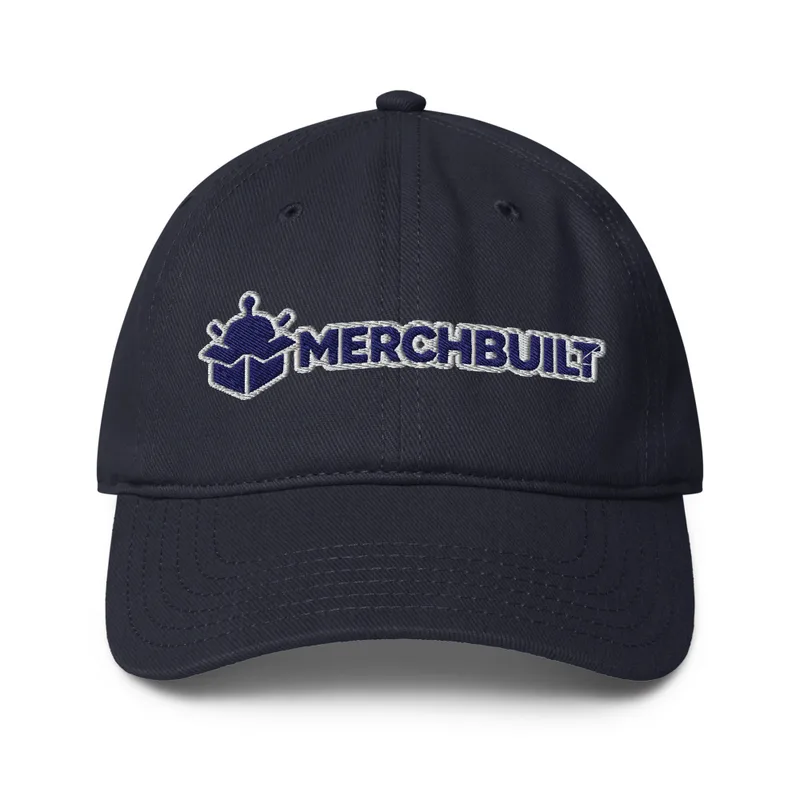
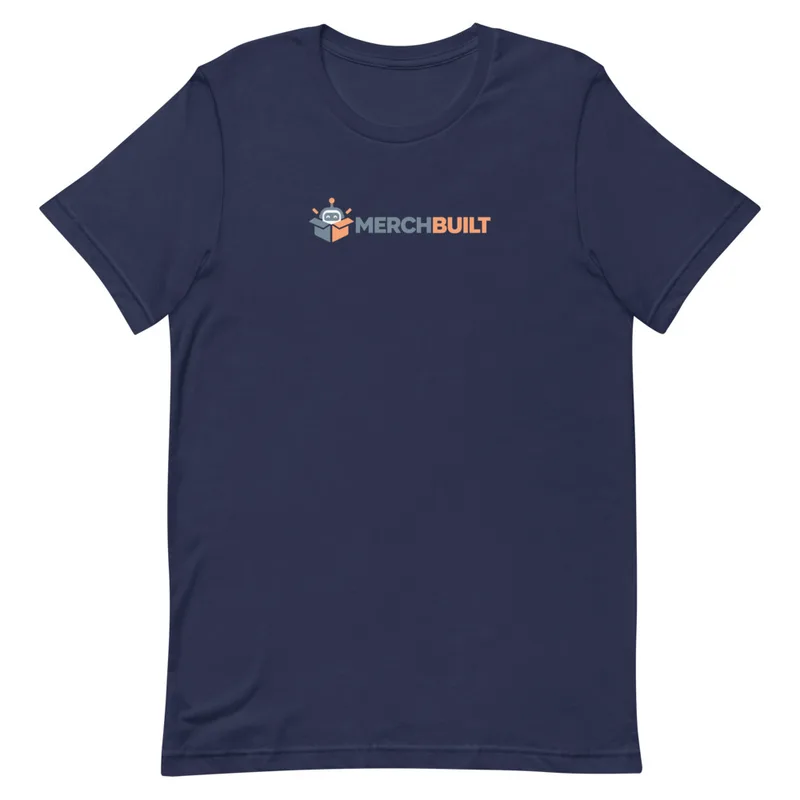
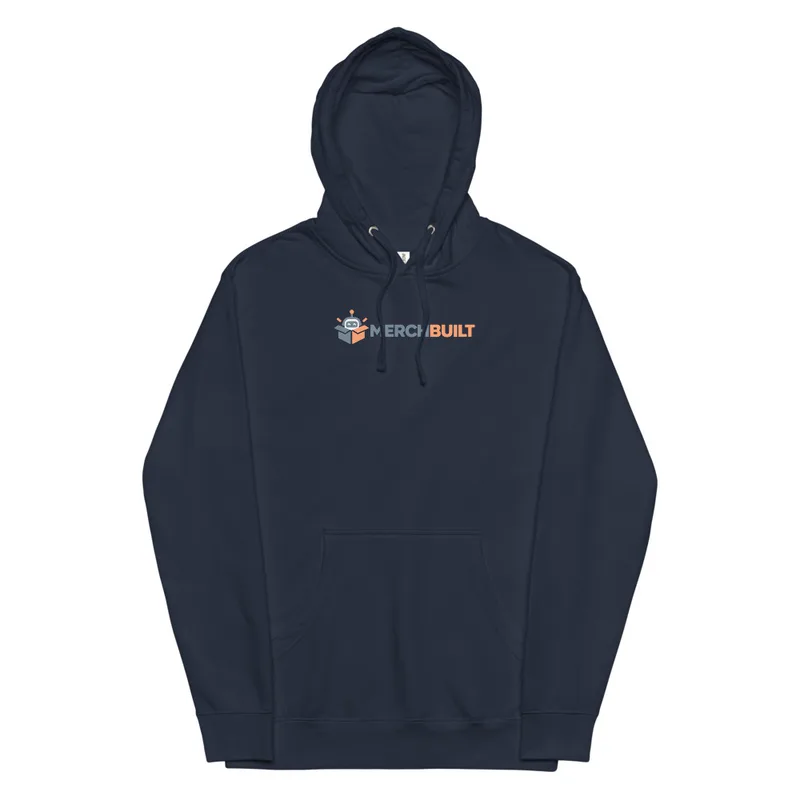
Unisex Midweight Hoodie with the MerchBuilt logoLow Profile Baseball Cap with the MerchBuilt logoUnisex Staple T-Shirt with the MerchBuilt logo
01

Your client sees their brand. You stay in charge.

The storefront belongs visually to the client. Your distributor workspace keeps the program, approvals, and commercial settings where they belong. Client managers receive the permissions you assign. Shoppers use the store. Neither needs access to your internal costs or other client programs.

Unisex Midweight Hoodie with the MerchBuilt logo
02

Make the idea easier to understand.

A store preview gives the client something concrete to react to. Show the merchandise, brand treatment, and buying experience together, then refine the program around their feedback.

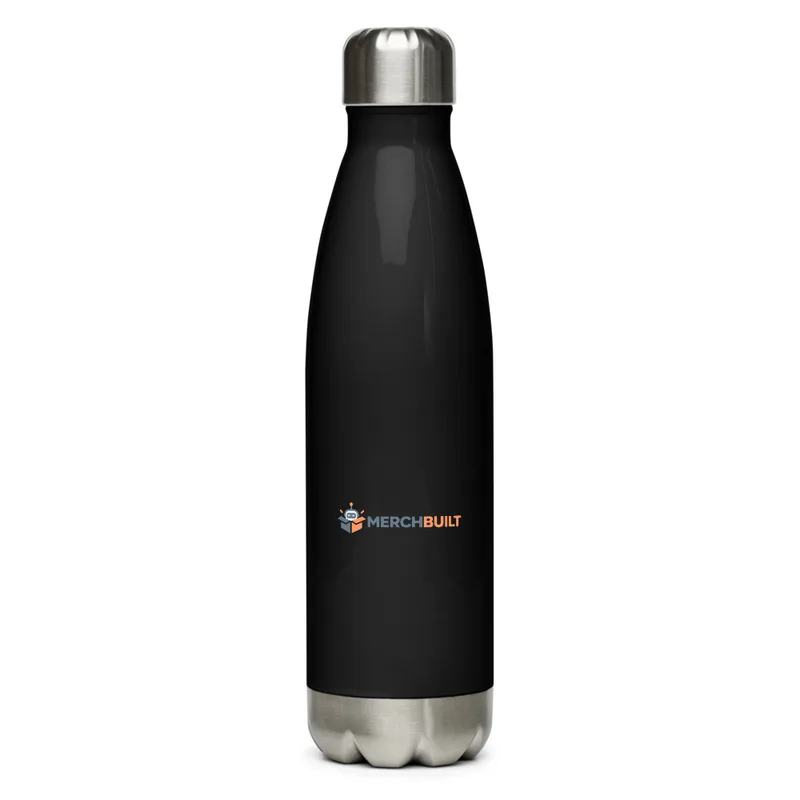
Stainless Steel Water Bottle with the MerchBuilt logo
03

Bring a store to the next opportunity.

Employee merch. A smaller client program. A new department. A seasonal drop. Start with a focused made-to-order assortment where it fits. Keep bulk, custom, and stocked programs in the workflows they need.

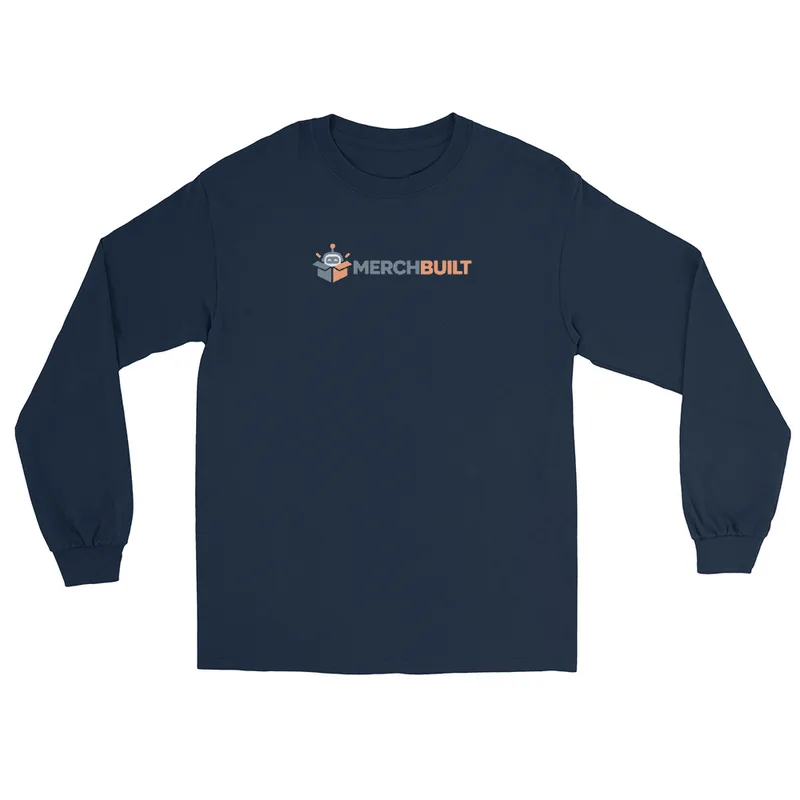
Unisex Long Sleeve Shirt with the MerchBuilt logo
04

Decide what belongs in the program.

Review availability, decoration, prices and product costs before publishing. Team permissions determine who can make changes.

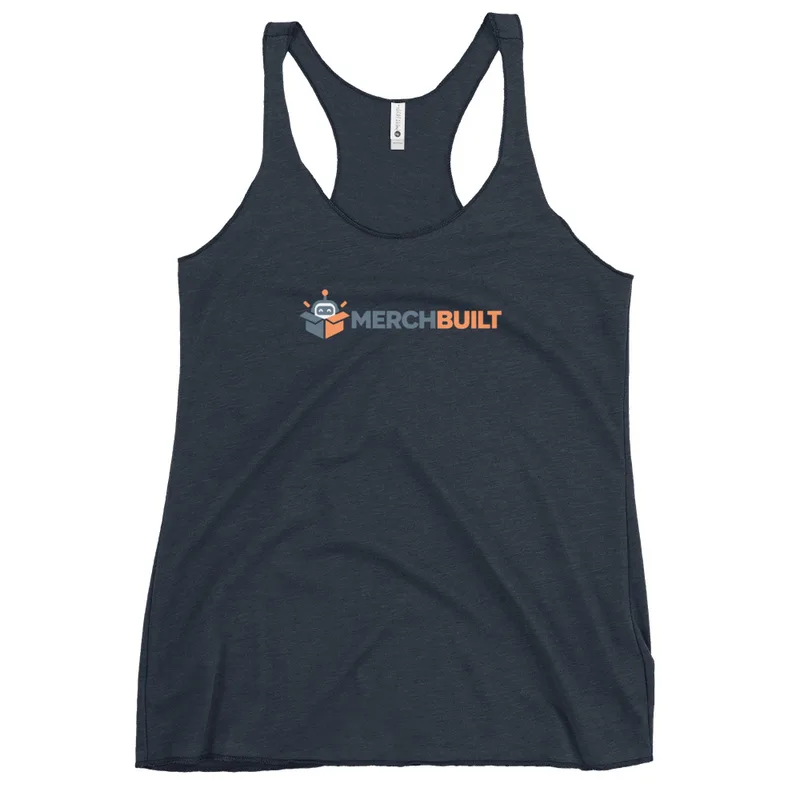
Women's Racerback Tank Top with the MerchBuilt logo

Client freedom. Distributor control.

Your clients. Your stores. Your control.

From a quick refresh to an unexpected change, everyone should know what they can do and where your expertise comes in.

"Can we put the fall collection up front?"

Client does

Make the brand feel current.

  • Choose from products the distributor approved.
  • Update the headline and campaign imagery.
  • Preview the collection before publishing.
Distributor controls

Keep the program on course.

  • Set the assortment and pricing.
  • Define who can publish and what needs review.
  • Confirm new artwork or products before use.

The client can shape the season. You stay involved in the decisions that affect the program. Responsibilities and publishing permissions are agreed for each store during setup.

Who does what

Clear for your client. Useful for your team.

Your client relationshipClient-branded storesDistributor-controlled approvals

Good questions

A few things worth knowing.

Read all FAQs
Can my client manage the store?

Store owners can add products, set prices and publish reviewed designs in their own stores. Other team members work within the permissions assigned to their role.

Can my client see my costs?

Shopper pages and client preview links must not expose distributor costs, internal margins, supplier credentials, or internal notes. Authorized distributor views keep that information separate.

Is a share link private?

Anyone with a shared link can view its store or preview. The link does not grant editing access. Checkout is available only after the store has launched and its products and checkout are verified.

What do I provide for review before launch?

Choose a store name, confirm the logo, review the products and prices, and save with your email. Manage store contact details and team access from the owner workspace.

Does activation publish the store?

The store opens for shopping after its selected products, matching previews and checkout are verified. Future product changes are reviewed before publication.

Can we use this across a distributor organization?

Discuss the team's required roles, approvals, store volume, and integrations. Evaluate verified capabilities through a pilot instead of assuming compatibility with internal systems.


Your next client store

You keep the account. MerchBuilt opens the storefront.

Give each client a branded store and the right access while keeping your programs organized.

Create my store

Your privacy choices.

Essential storage supports sessions, security, carts, and these choices. Optional categories are off by default. No external analytics or advertising trackers are loaded on this marketing site.

Read the cookie notice